

 ENG
ENG  русский
 Español
 عربى
عربىShielded or unshielded keystone jacks? When to think of protection from EMI?
2025-12-01
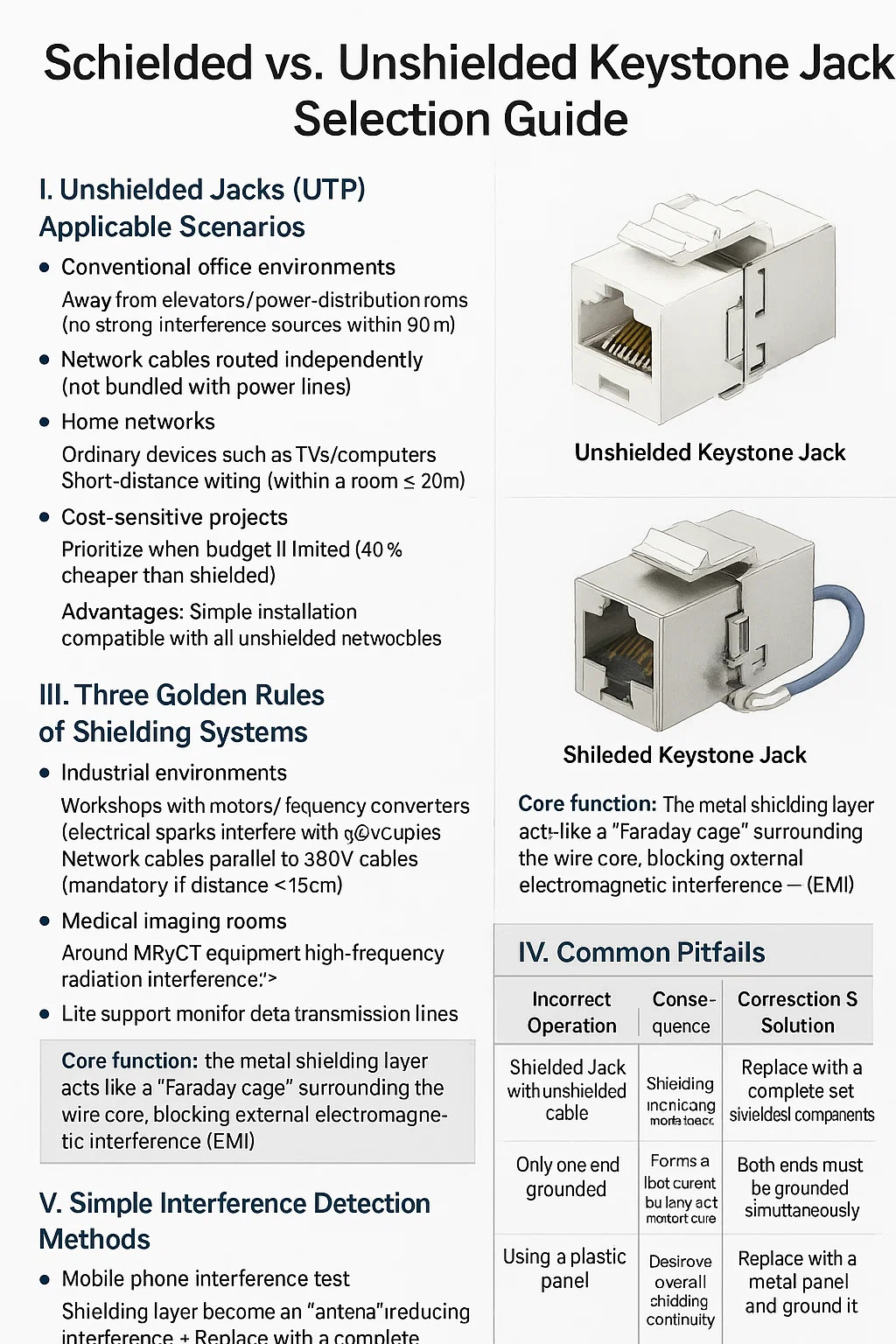
Shielded vs. Unshielded Keystone Jack Selection Guide
Content
I. Unshielded Jacks (UTP) Applicable Scenarios
● Conventional office environments
Away from elevators/power distribution rooms (no strong interference sources within 30 meters)
Network cables are routed independently (not bundled with power lines)
● Home networks
Ordinary devices such as TVs/computers
Short-distance wiring (within a room ≤ 20 meters)
● Cost-sensitive projects
Prioritize when budget is limited (40% cheaper than shielded)
Advantages: Simple installation, compatible with all unshielded network cables
II. Scenarios Where Shielded Jacks (STP/FTP) are Required
● Industrial environments
Workshops with motors/frequency converters (electrical sparks interfere with network signals)
Network cables parallel to 380V cables (mandatory if distance < 15cm)
● Medical imaging rooms
Around MRI/CT equipment (high-frequency radiation interference)
Life support monitor data transmission lines
● High-risk outdoor areas
Near base station antennas (electromagnetic interference)
Areas prone to thunderstorms (shielding layer can guide induced lightning)
Core function:
The metal shielding layer acts like a "Faraday cage" surrounding the wire core, blocking external electromagnetic interference (EMI)
III. Three Golden Rules of Shielding Systems
● Full shielding:
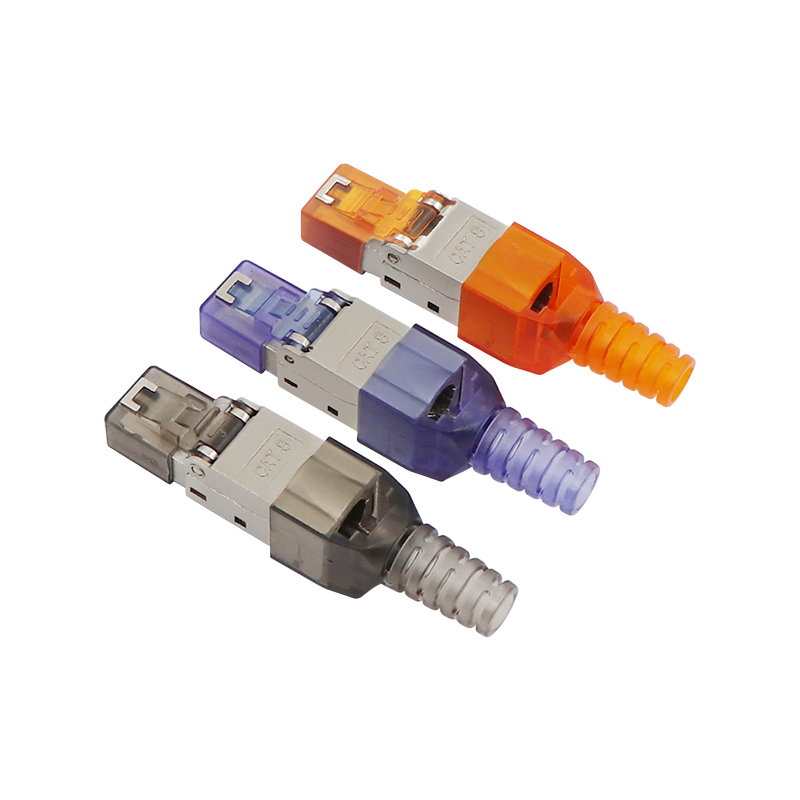
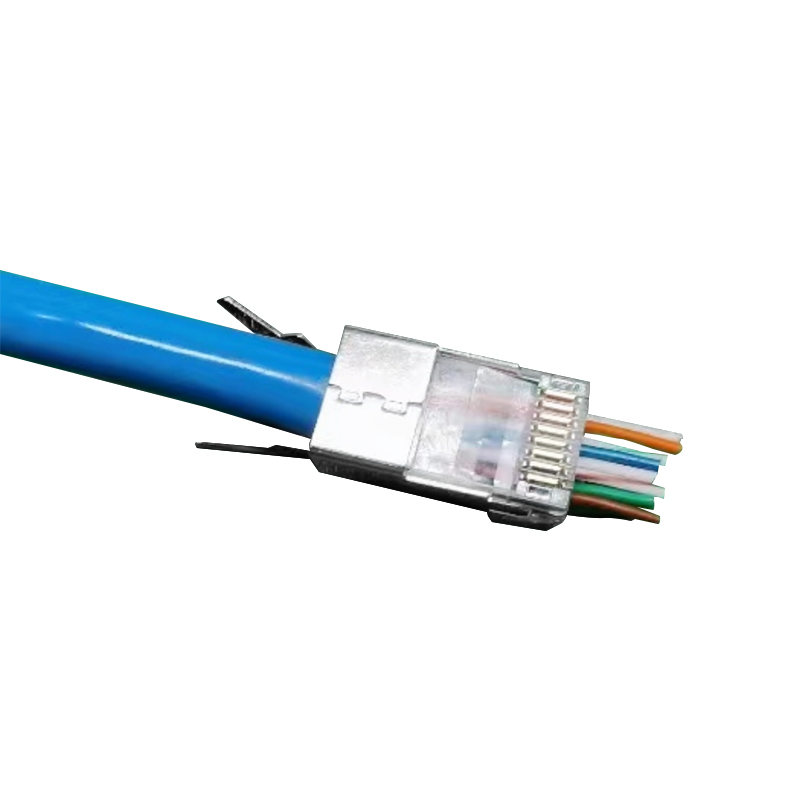
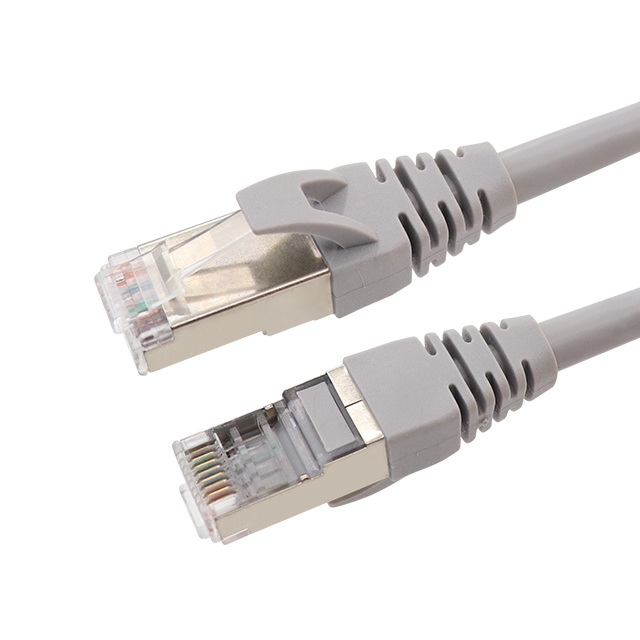
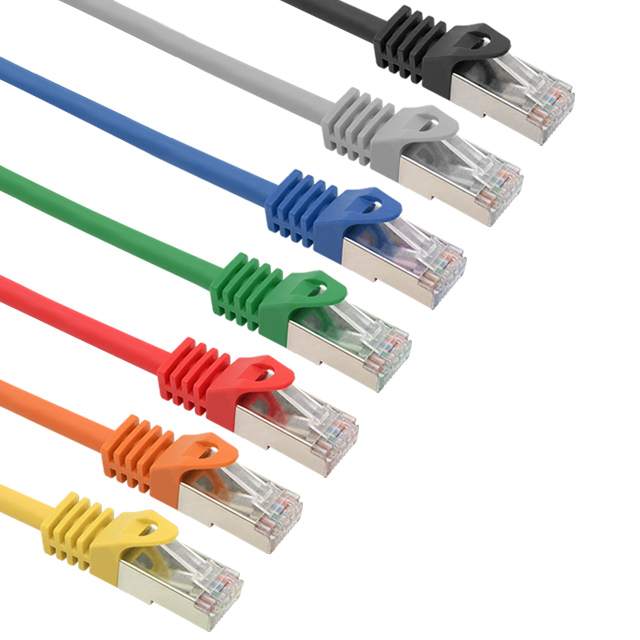
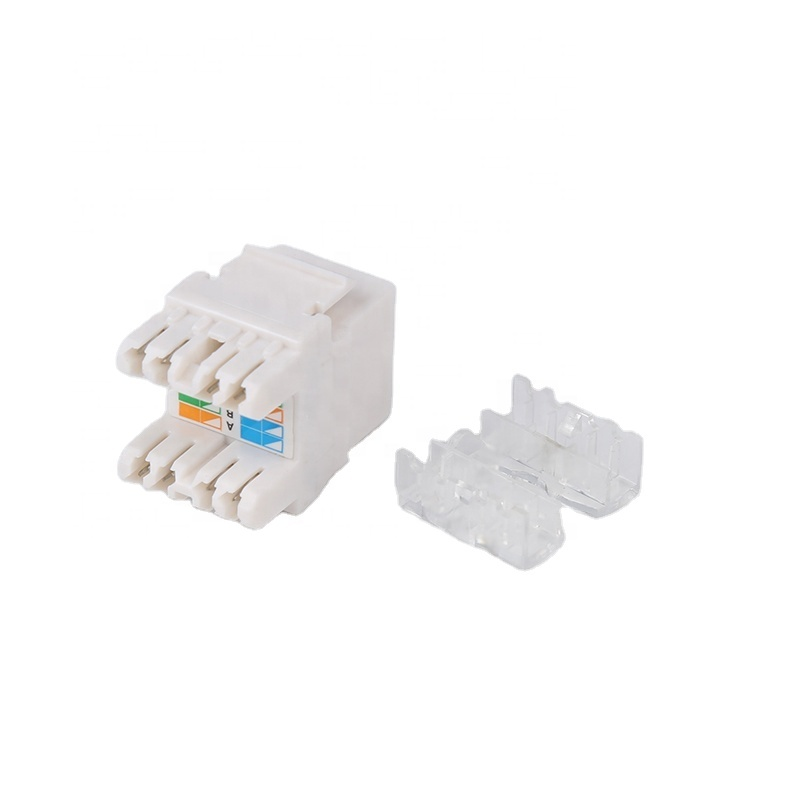
Network cable + Keystone Jack + RJ45 connector must all be shielded (failure of any one component renders the system ineffective)
● Dual-end grounding:
Grounding the patch panel at the cabinet end
Grounding the switch metal casing at the equipment end
● Anti-oxidation maintenance:
Grounding contacts should be sanded every six months (to prevent rust from causing grounding failure)
IV. Common Pitfalls
| Mistake | Consequence | Solution |
|---|---|---|
| Using shielded jacks with UTP cable | Shield acts as an antenna, attracting interference | Replace entire run with STP/FTP cable + shielded components |
| Grounding only one end | Creates ground loops that fry ports | Ground BOTH ends to same point |
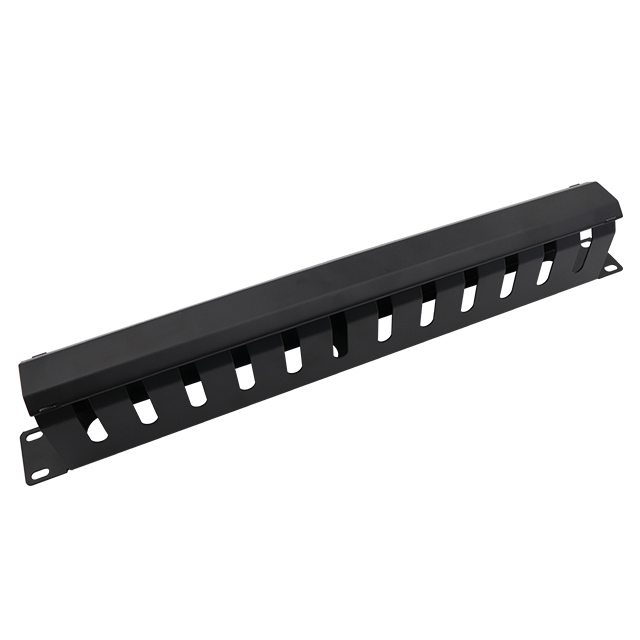
| Mounting on plastic wall plates | Breaks shield continuity | Switch to metal-faced panels with grounding tabs |
V. Simple Interference Detection Methods
● Mobile phone interference test:
Hold the phone close to the network cable during a call → If you hear a "buzzing" sound, interference exists
● Multimeter detection method:
Measure the voltage between the network cable and the ground wire > 1V → Grounding needs to be checked
● Practical stress test:
Ping the gateway while the copier is working → If the packet loss rate exceeds 5%, it needs to be blocked.
Are you ready to
cooperate with PUXIN?
cooperate with PUXIN?
Contact us to find out how our products can transform your business and
take it to the next level.

Ningbo Puxin Electronic Technology Co., Ltd. is a professional supplier of electrical engineering and integrated wiring product research and development and manufacturing.
Quick Links
Products
Keep In Touch
-

No.43 of Xiaotuanpu Road, Guanhaiwei Town, Cixi Ningbo City, Zhejiang, China
-

-

8615924366333
-

Mobile web