

 ENG
ENG  русский
 Español
 عربى
عربىWhat does a patch panel look like?
2026-02-09
Content
Direct Answer: What a Patch Panel Looks Like
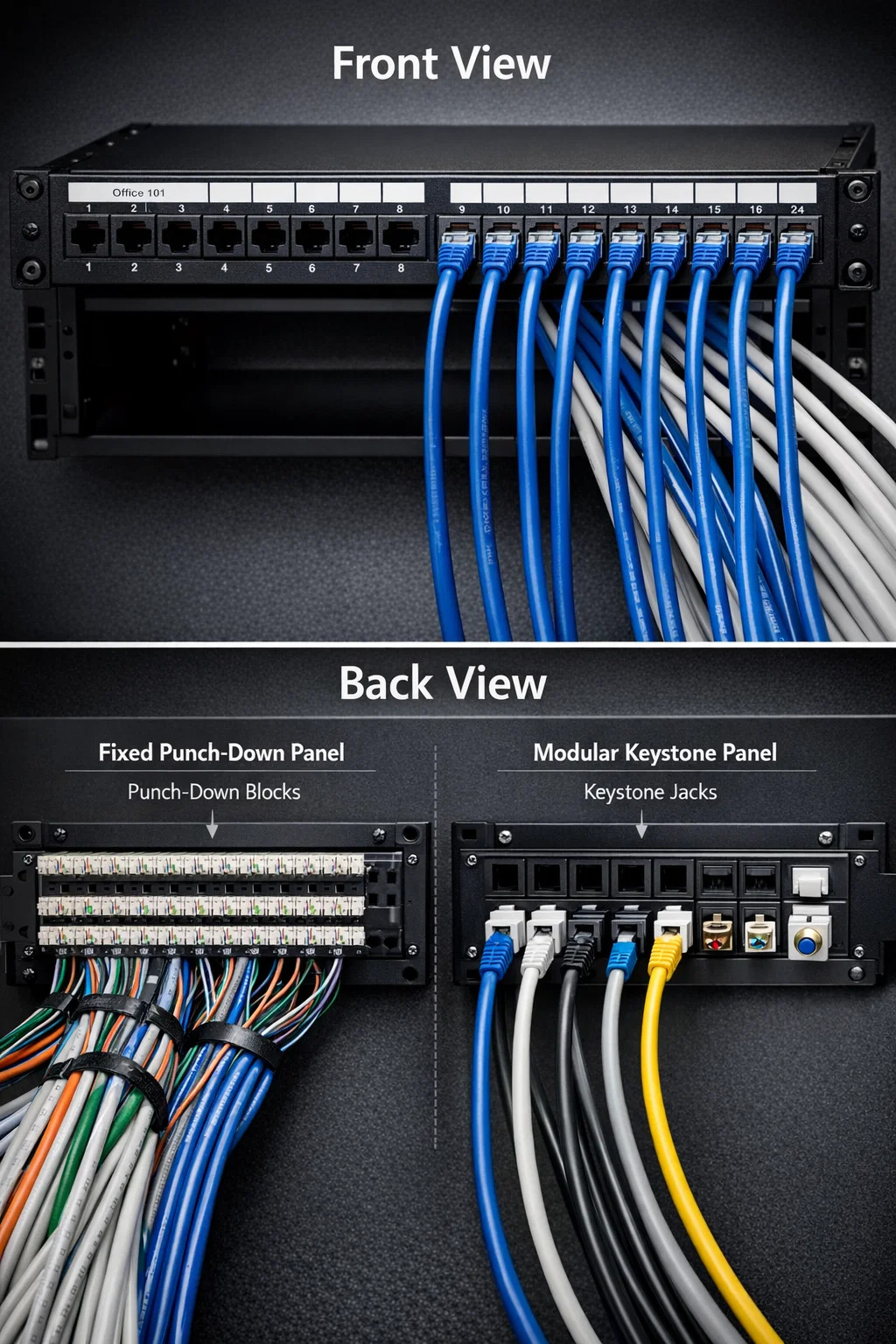
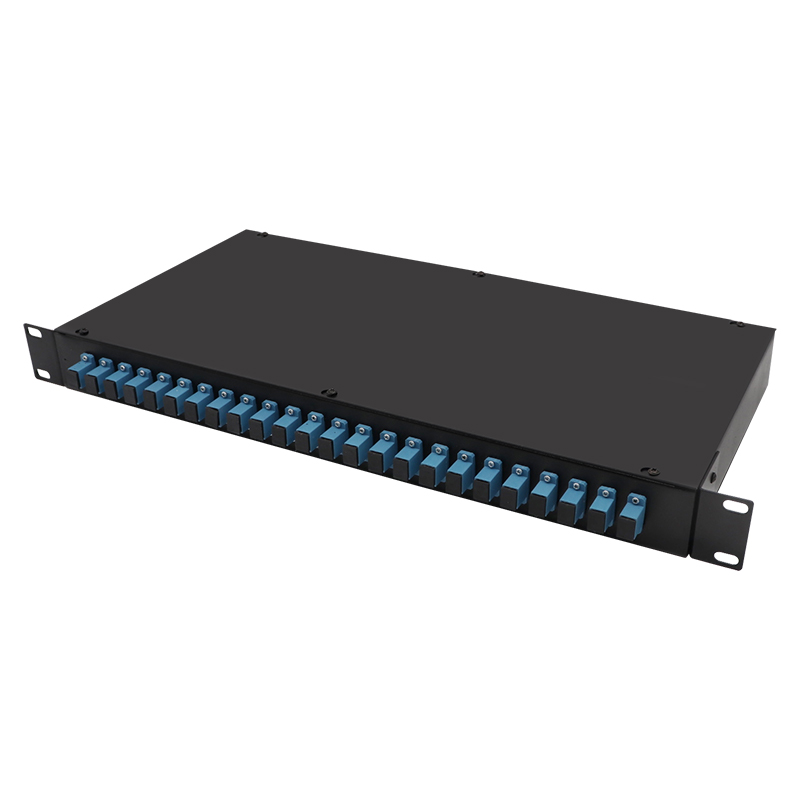
A network patch panel looks like a sturdy, rectangular metal or plastic frame, typically 19 inches wide, featuring a row of numbered ports on the front and a wiring organization area on the back. It serves as a static switchboard where all the permanent network cables from different rooms terminate, providing a neat and centralized point for network management.
Key Physical Components of a Patch Panel
To understand the visual identity of a network patch panel, it is helpful to break it down into its two distinct sides: the user-facing front and the infrastructure-facing back.
The Front Panel: Connectivity and Labels
The front is what you see when you open a server rack or wiring closet. It consists of:
- Numbered Ports: Most common panels have 12, 24, or 48 ports designed to accept standard RJ45 connectors.
- Labeling Strips: White space above or below ports used to identify which room or device each port connects to (e.g., "Office 101").
- Mounting Ears: Holes on the far left and right ends used to screw the panel into a 19-inch equipment rack.
The Back Panel: Cable Termination
The back is where the "heavy lifting" happens. Depending on the design, you will see one of two things:
- Punch-down Blocks: Rows of plastic "teeth" where individual copper wire pairs are pressed into metal slots.
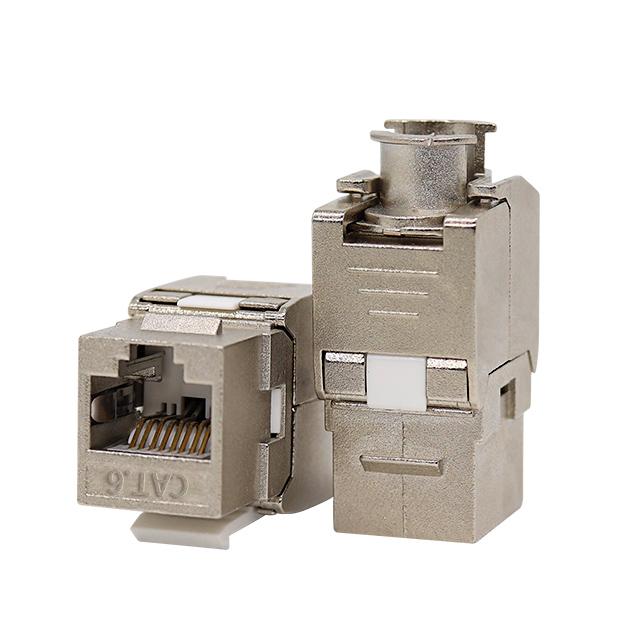
- Keystone Openings: Empty square holes in a "modular" panel where individual keystone jacks are snapped in.
Comparing Different Styles of Patch Panels
Not all panels look identical. The visual design often dictates how much flexibility the installer has during setup.
| Feature | Fixed Punch-Down Panel | Modular Keystone Panel |
|---|---|---|
| Visual Appearance | Built-in PCB with terminals | Empty square "windows" |
| Component Support | Standard Cat6 or Cat6a only | Mix keystone jacks (Fiber, RJ45, Coax) |
| Typical Width | 19 inches (Standard) | 19 inches (Standard) |
Visualizing the Installed Environment
In a practical scenario, such as a home media cabinet or a business server room, a network patch panel never sits alone. Its appearance is defined by the cables connected to it.
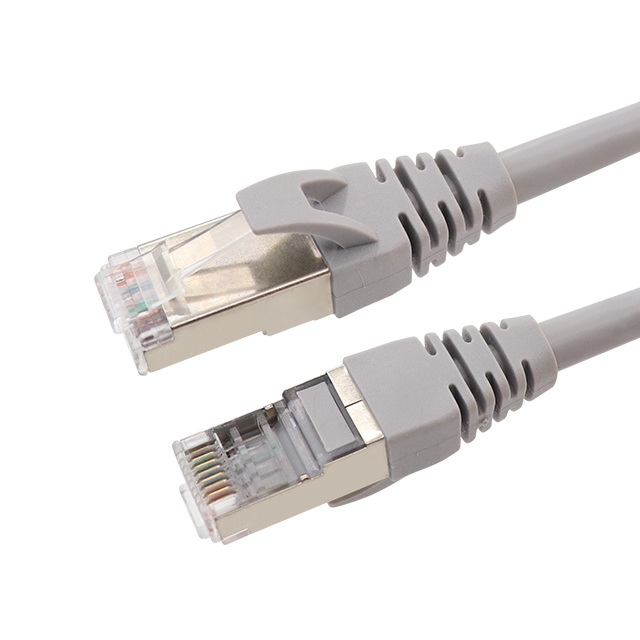
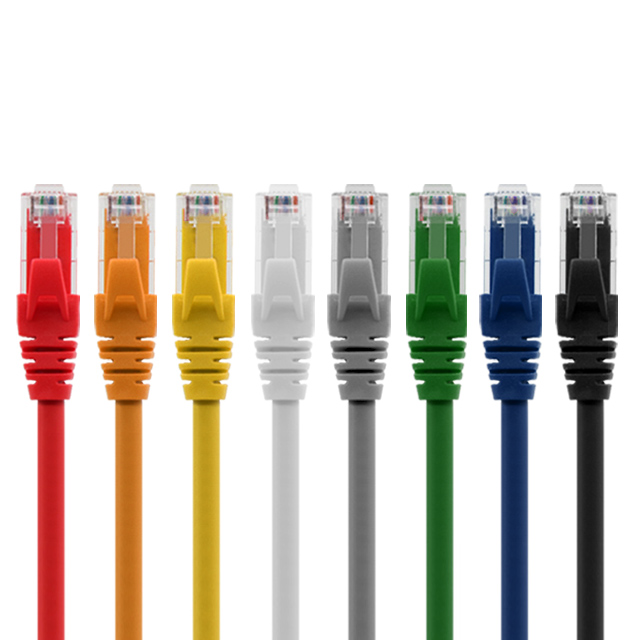
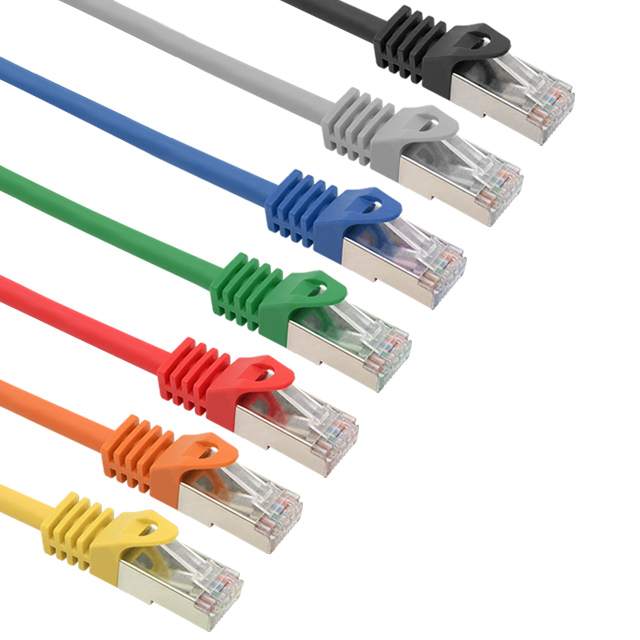
When fully installed, you will see a waterfall of cables entering the back, which are neatly zip-tied or velcro-managed. On the front, short patch cables (usually 0.5ft to 3ft in length) bridge the gap between the panel and a network switch. This creates a clean, vertical "patching" look that prevents the tangled "spaghetti" mess often found in amateur setups.
Standard dimensions: Most panels occupy 1U (1.75 inches) or 2U (3.5 inches) of vertical space in a rack, making them incredibly slim despite the number of connections they handle.
Are you ready to
cooperate with PUXIN?
cooperate with PUXIN?
Contact us to find out how our products can transform your business and
take it to the next level.

Ningbo Puxin Electronic Technology Co., Ltd. is a professional supplier of electrical engineering and integrated wiring product research and development and manufacturing.
Quick Links
Products
Keep In Touch
-

No.43 of Xiaotuanpu Road, Guanhaiwei Town, Cixi Ningbo City, Zhejiang, China
-

-

8615924366333
-

Mobile web